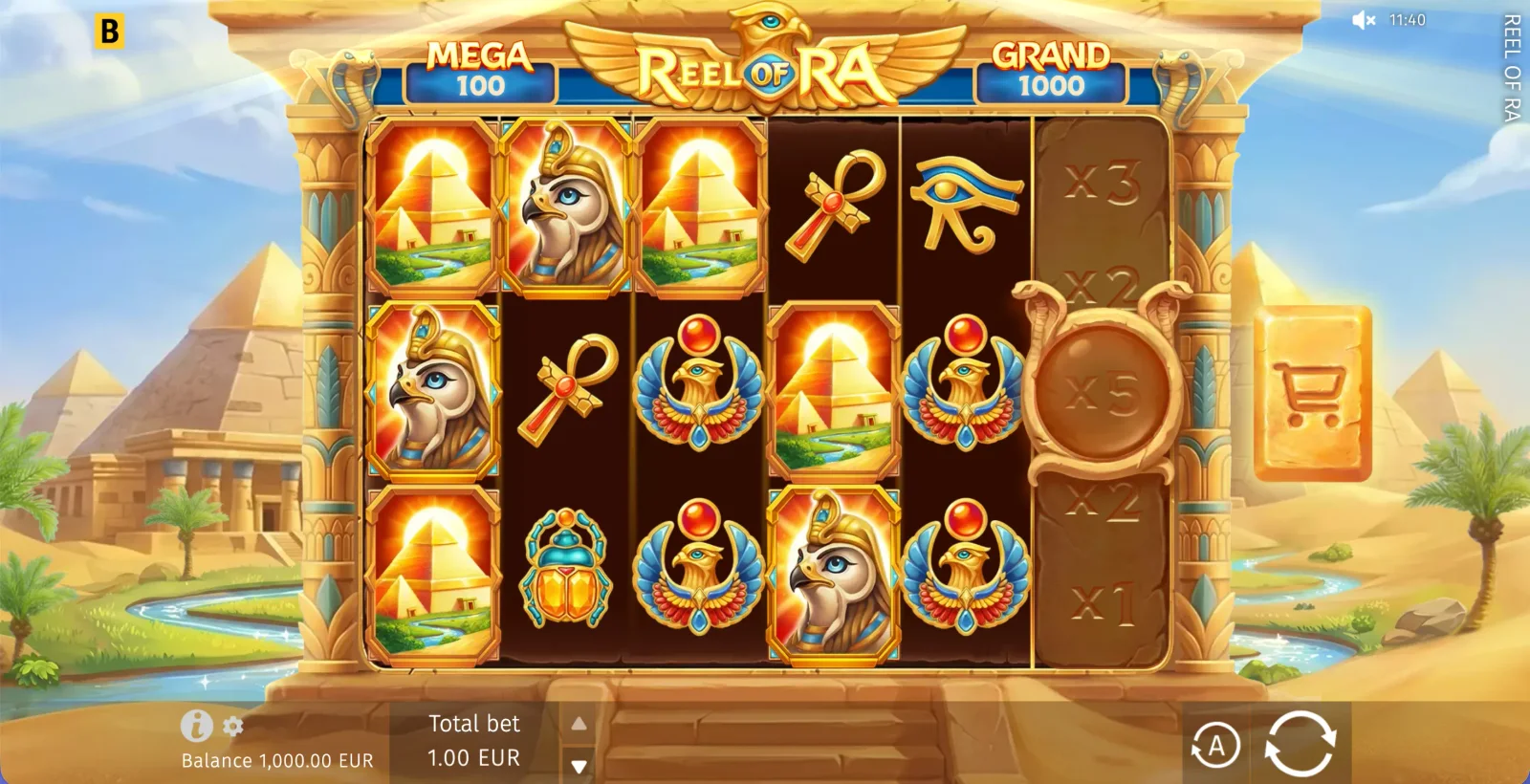
Practical fixesResolve loading, scaling and sound problems
If the cabinet does not appear, reload the page once and check whether content blocking, battery saving or a private DNS service is interfering with game assets. Persistent problems may require clearing cached data for the site and signing in again. Close memory-heavy tabs on older phones, because a browser under pressure may discard the game tab when another application comes to the foreground.
For clipped controls, return browser zoom to its default and rotate the device. On iOS, collapsing the browser toolbar can recover vertical space; on Android, landscape mode can expose the full width of the multiplier strip. Sound is commonly blocked until the first user interaction, so tap the game area and then check its own audio control. None of these display fixes changes RTP, volatility, paylines or feature mathematics.